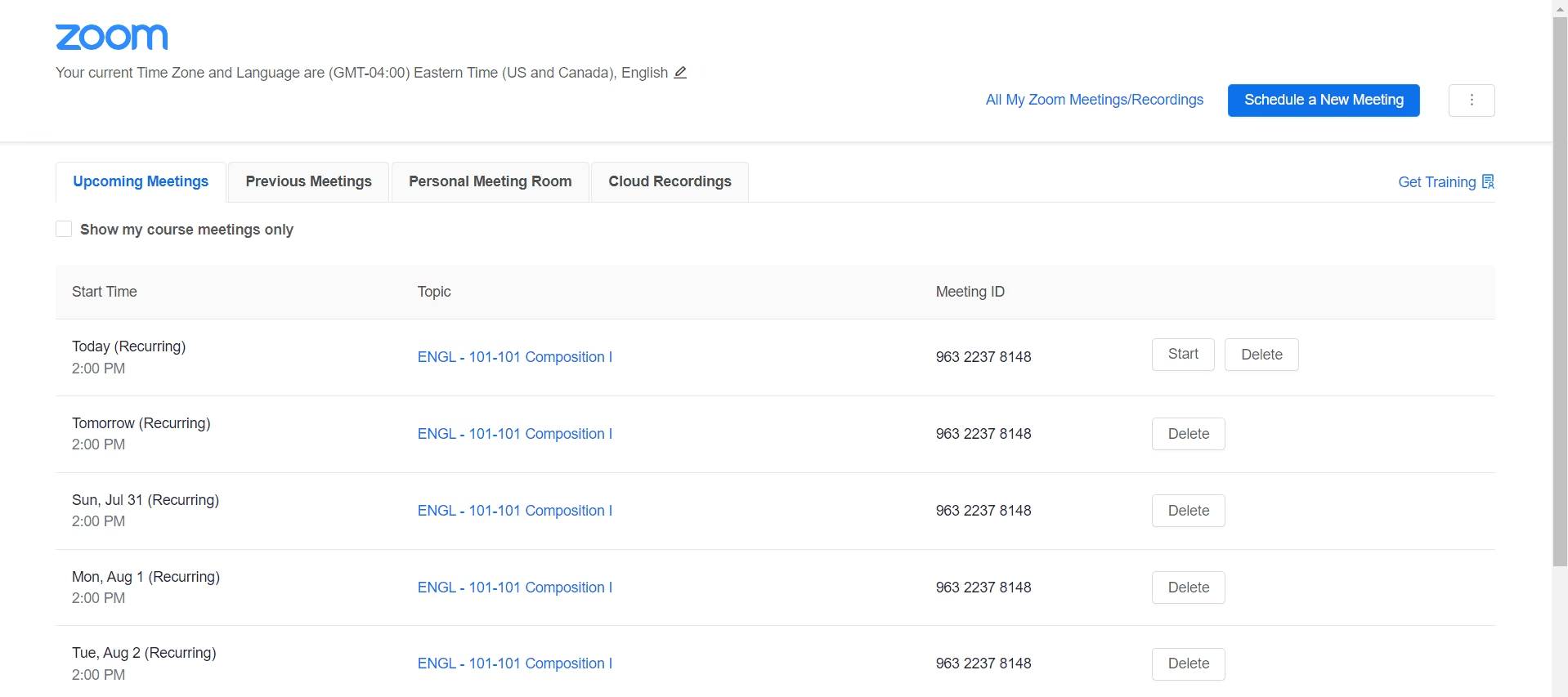
Connect Zoom to streamline meeting creation, automatically update contact timelines, and trigger follow-up campaigns based on attendance and meeting status.
The Income Mavericks Zoom integration links your scheduling and conferencing tool directly to your CRM and marketing automation.
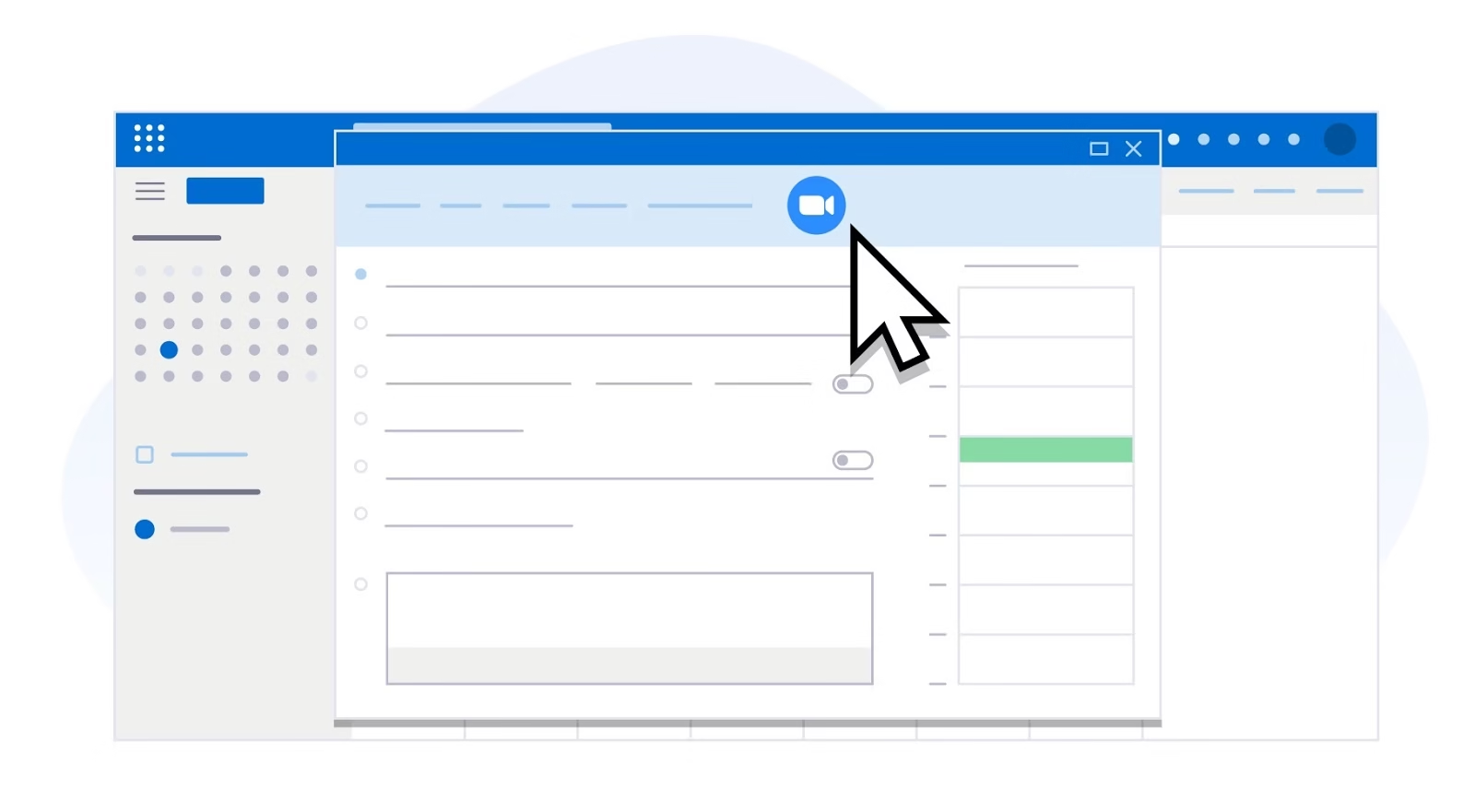
This allows users to instantly schedule Zoom meetings from within the contact record, automatically send unique meeting links, and sync meeting details back to the contact timeline.
It solves the manual problem of coordinating meetings, updating calendars, and ensuring accurate follow-up based on meeting attendance.
Why You’ll Love This Integration
Instant Meeting Scheduling
Schedule new Zoom meetings directly from a contact's profile in Income Mavericks. Save time by eliminating the need to toggle between platforms for generating meeting links and invites.
Attendance-Based Automation
Automatically trigger post-meeting follow-up sequences based on who attended the Zoom call and who didn't. Ensure every lead or client receives the appropriate next step immediately.
Centralized History
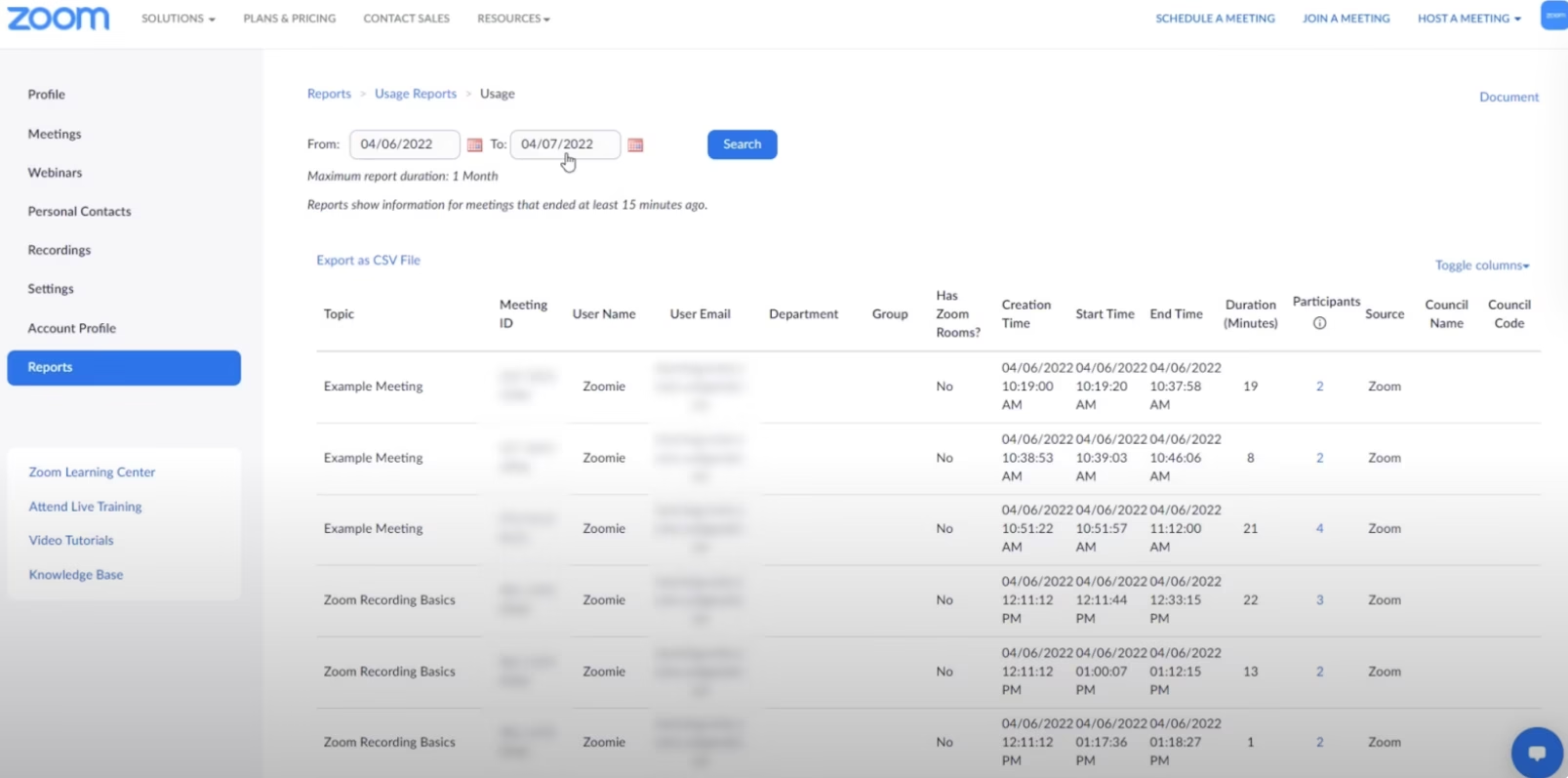
Meeting details, including links, times, and recording access (if applicable), are logged automatically on the contact's timeline. Maintain a single source of truth for all sales and client interactions.
Connect your favorite tools with Income Mavericks.
Income Mavericks features native integrations with your most-used tools, including Slack, Google Calendar, Gmail, Facebook and more...
Make Meetings More Productive
Stop manually updating your CRM after every video call. Integrate Zoom with Income Mavericks to automate the before, during, and after of all your virtual meetings.