Sales, Connected to Accounting

Connect Xero to Income Mavericks to automate your bookkeeping and ensure your financial records stay updated the moment a deal is closed.

It solves the problem of manual invoice creation and duplicate data entry by automatically syncing contact details and payment records, keeping your books audit-ready without the extra admin work.

Why You’ll Love This Integration

Automated Contact Sync

Instantly push new customer data from Income Mavericks to Xero to keep your accounting records consistent.

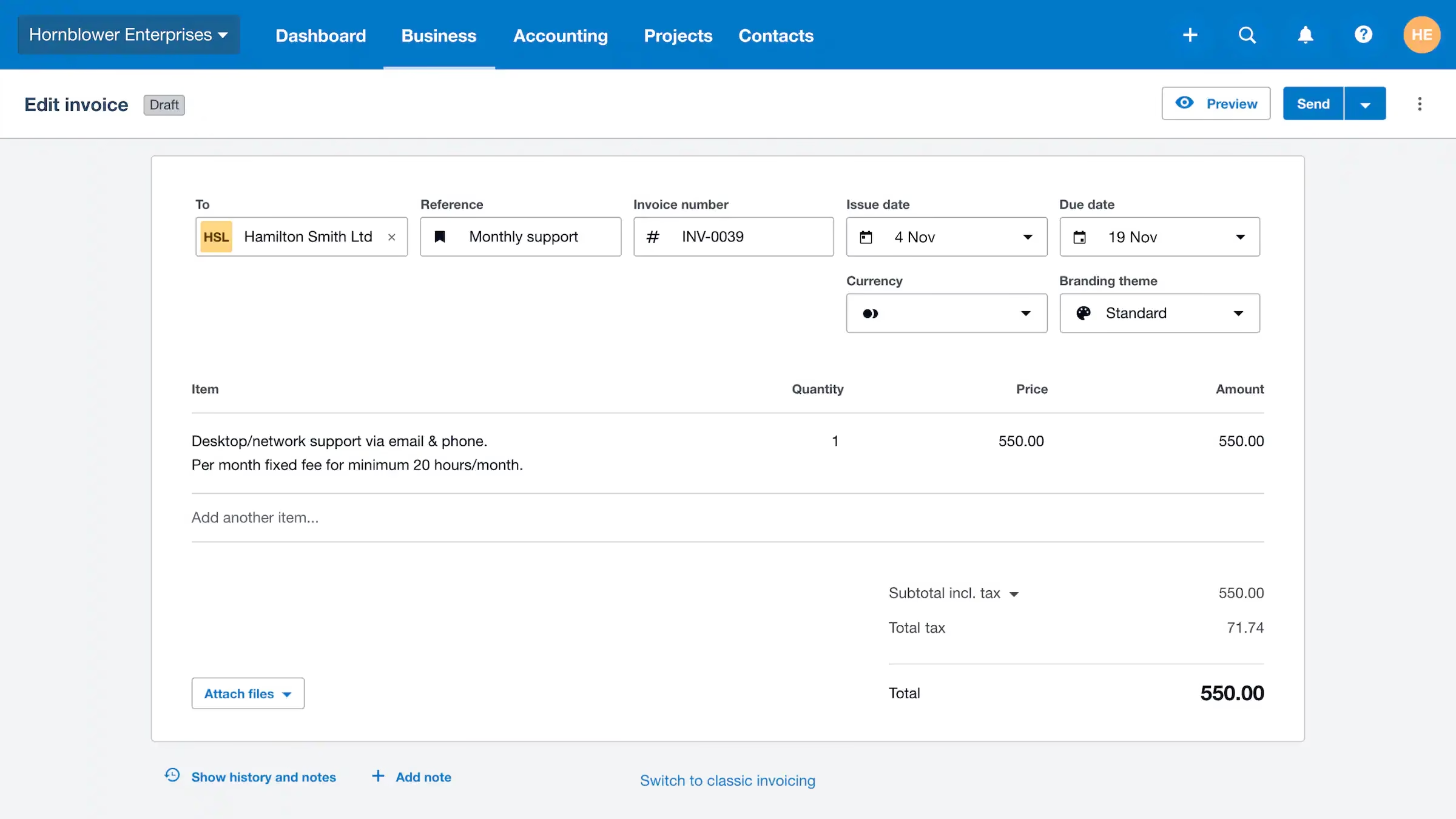
Seamless Invoicing

Trigger invoice creation in Xero the moment a sale is made or a contract is signed in your CRM.

Error-Free Bookkeeping

Eliminate the risk of manual entry errors by allowing data to flow directly between your sales and finance tools.

Connect your favorite
tools with Income Mavericks.

Income Mavericks features native integrations with your most-used tools, including Slack, Google Calendar, Gmail, Facebook and more...

Simplify Your Business Finances

Stop chasing paperwork and start focusing on growth. Connect Xero to Income Mavericks today to experience the power of truly automated accounting.

Already a client?

  • Go to Settings: Navigate to the "Integrations" section within your Income Mavericks dashboard.
  • Click Connect: Find the Xero icon and click the "Connect" button.
  • Authorize: Log in to your Xero account and grant Income Mavericks permission to access your organization.
  • Map Accounts: Select your default chart of accounts and tax settings to ensure data syncs correctly.
Xero Integration Guide
©2026 Techanisms. All rights reserved.

Test Popup