Turn New Leads Into Instant Conversations

Sync Income Mavericks with Slack to receive real-time alerts the moment a lead interacts with your business, ensuring your team responds while the iron is hot.

What is Slack?

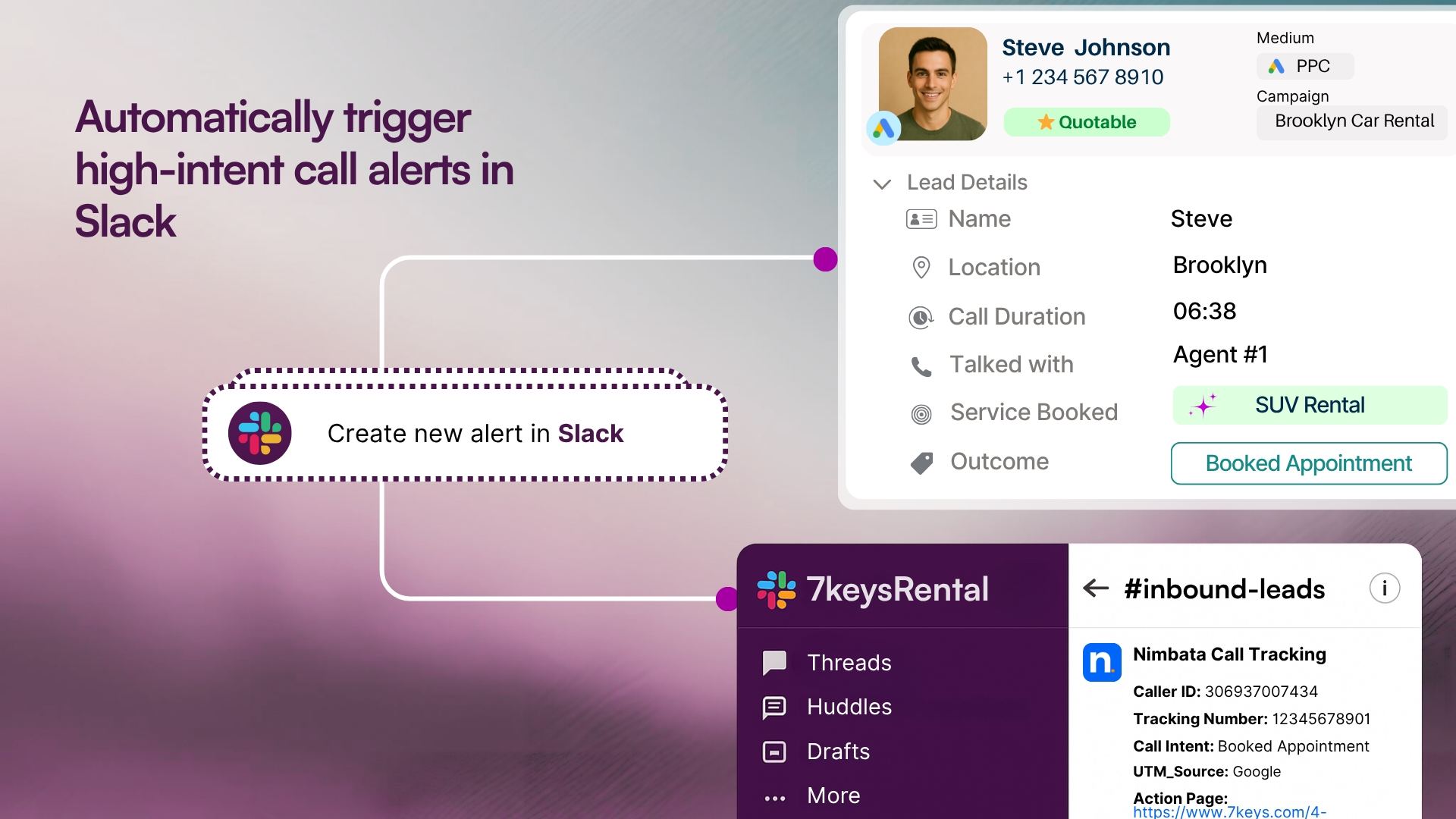
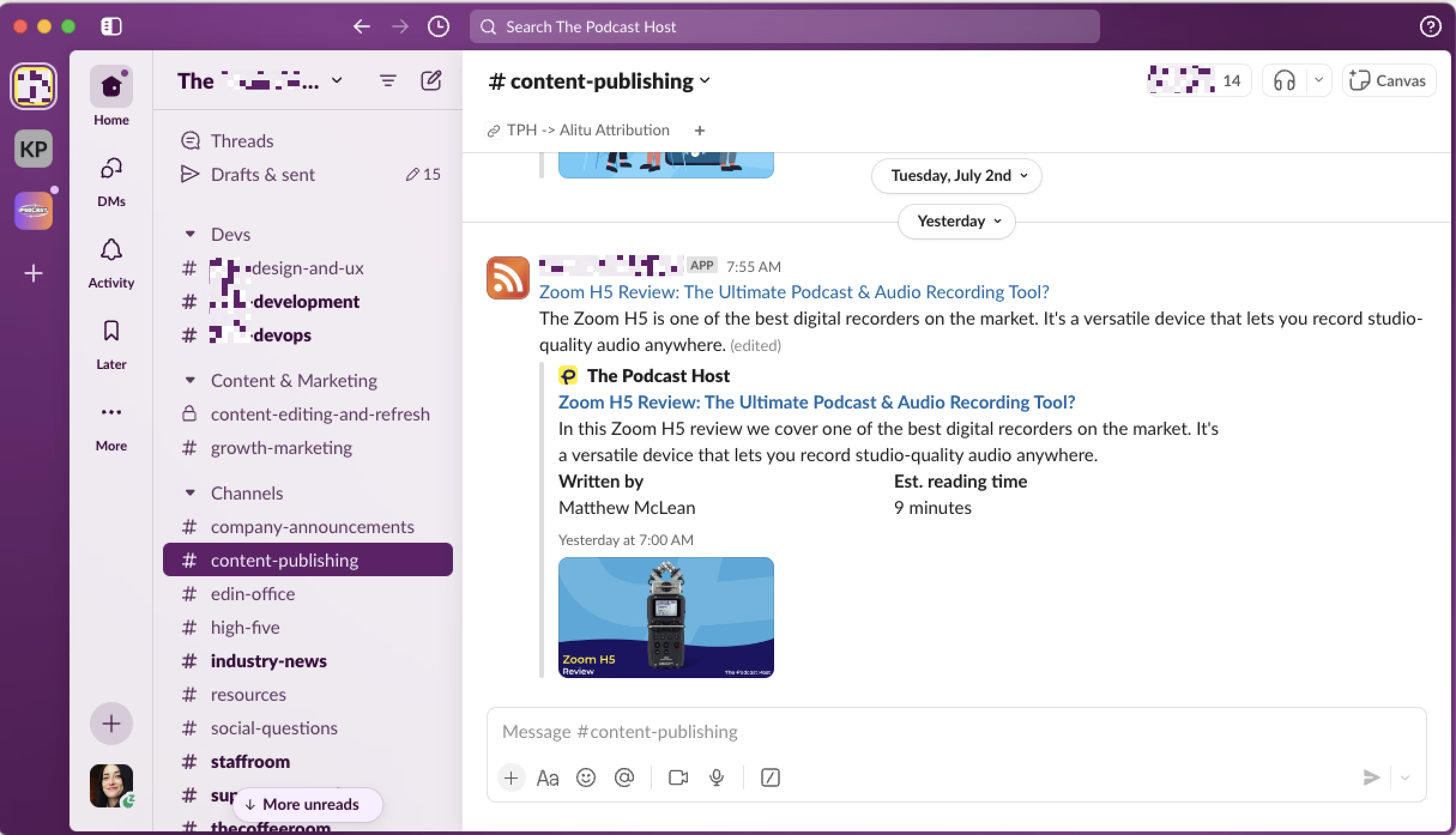
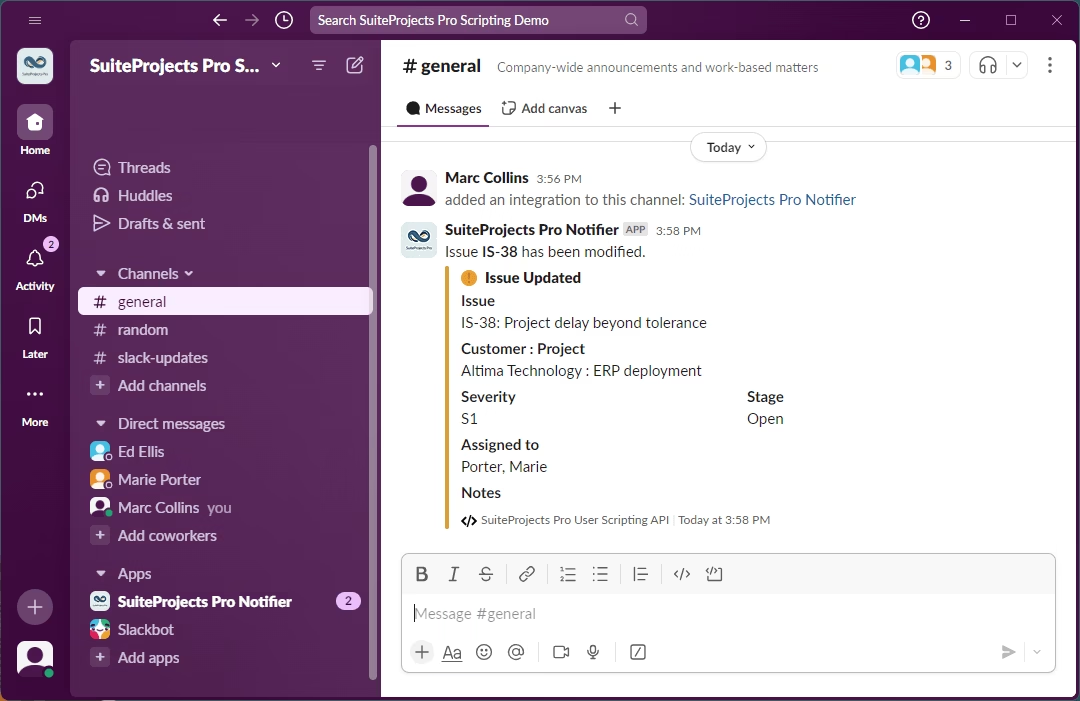
The Slack integration for Income Mavericks connects your lead generation engine directly to your team’s communication hub.

It solves the problem of "silent leads" by pushing instant notifications to your preferred channels for new form submissions, booked appointments, or pipeline updates.

Why You’ll Love This Integration

Instant Lead Alerts

Get notified in specific Slack channels the second a new lead enters your system.

Streamlined Team Handoffs

Eliminate internal email clutter by centralizing prospect updates where your team is already collaborating.

Custom Notification Triggers

Choose exactly which actions—from high-value sales to support requests—trigger a Slack message.

Connect your favorite
tools with Income Mavericks.

Income Mavericks features native integrations with your most-used tools, including Slack, Google Calendar, Gmail, Facebook and more...

Accelerate Your Response Time

Stop losing deals to slow follow-ups. Connect Slack to Income Mavericks today and keep your team perfectly in sync with every new opportunity.

Already a client?

  • Go to Settings: Open the "Integrations" tab within your Income Mavericks dashboard.
  • Click Connect: Find the Slack icon and click the "Connect" button.
  • Authorize: Log in to your Slack workspace and grant the necessary permissions.
  • Choose Channels: Select the specific Slack channels where you want notifications to be sent and save your settings.
Quick Setup Detailed Link
©2026 Techanisms. All rights reserved.

Test Popup