Turn Shopify Transactions Into Lifelong Brand Advocates
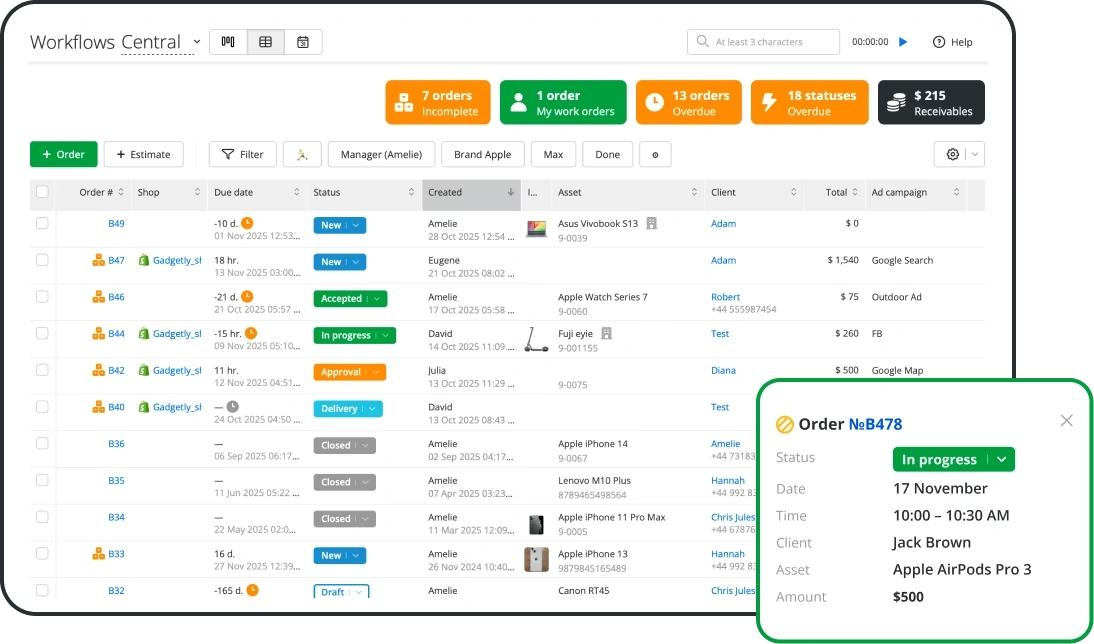
Sync your Shopify store with Income Mavericks to automate your post-purchase workflows and manage every customer interaction from a single, unified command center.
The Shopify integration for Income Mavericks seamlessly connects your e-commerce storefront with your CRM and marketing automation tools.
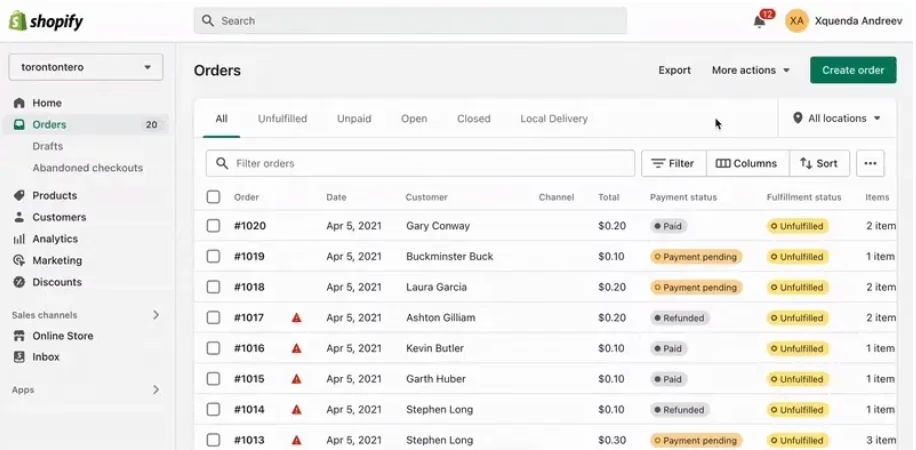
By syncing real-time order data and customer profiles, it eliminates manual data entry and allows you to trigger personalized marketing sequences the moment a customer hits "Buy."
Connect your favorite tools with Income Mavericks.
Income Mavericks features native integrations with your most-used tools, including Slack, Google Calendar, Gmail, Facebook and more...
Build a Smarter Storefront
Stop toggling between tabs and start focusing on growth. Connect your Shopify store to Income Mavericks today to experience the power of truly automated e-commerce management.