Automate Your Bookkeeping From the First Interaction
Sync QuickBooks with Income Mavericks to eliminate manual data entry, automate invoicing, and keep your financial records perfectly accurate in real-time.
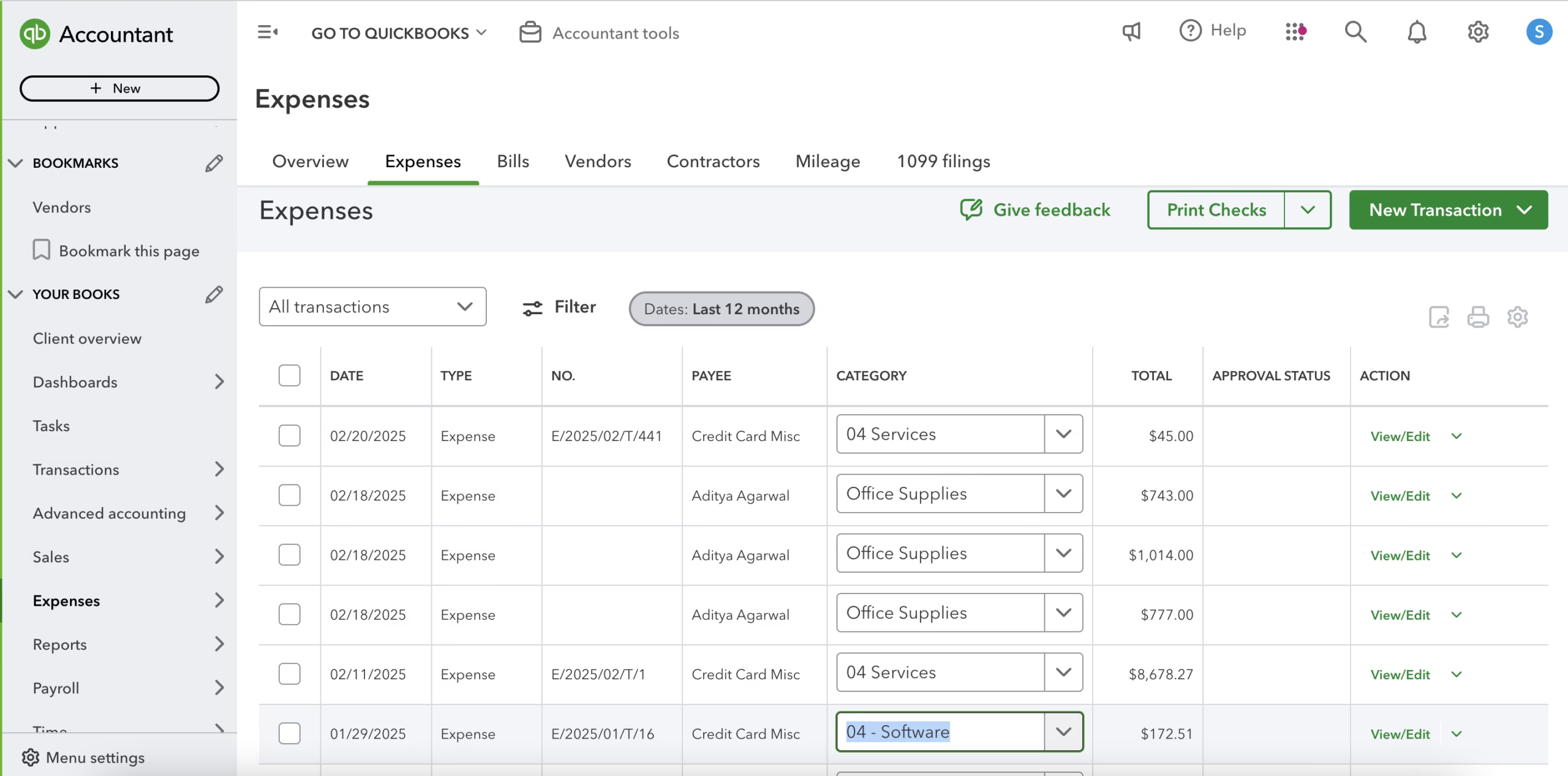
The QuickBooks integration for Income Mavericks bridges the gap between your sales CRM and your accounting suite.
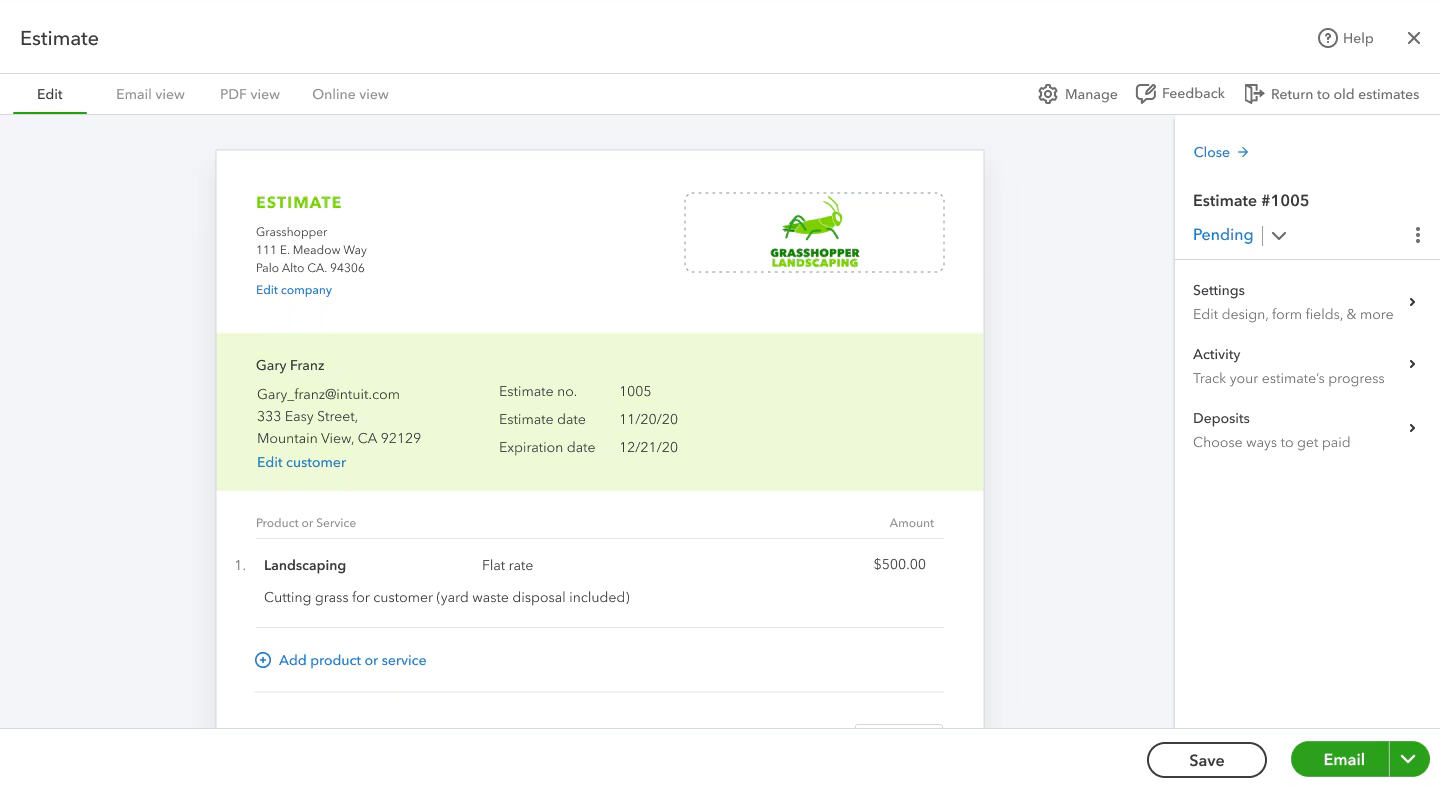
It solves the problem of double data entry by automatically syncing customer information and transaction details, ensuring your books stay up-to-date the moment a deal is closed or a payment is made.
Connect your favorite tools with Income Mavericks.
Income Mavericks features native integrations with your most-used tools, including Slack, Google Calendar, Gmail, Facebook and more...
Put Your Accounting on Autopilot
Stop chasing paperwork and start focusing on your business growth. Connect QuickBooks to Income Mavericks today and experience the power of a fully integrated financial workflow.