Bridge the Gap Between Lead Intake and Case Management

Sync your Clio account with Income Mavericks to automate your client onboarding, eliminate double data entry, and focus more on billable hours.

What is Clio?

The Clio integration for Income Mavericks links your legal practice management with your marketing and lead nurture engine.

It solves the fragmentation between "sales" and "legal" by automatically syncing new lead details directly into Clio as matters or contacts, ensuring a seamless transition from prospect to active client.


Why You’ll Love This Integration

Automated Client Sync

Instantly push won leads from Income Mavericks to Clio Manage as new contacts or matters.

Streamlined Intake

Eliminate manual re-keying of data by mapping custom fields from your intake forms directly to Clio.

Unified Workflow

Trigger follow-up automation in Income Mavericks based on matter status updates within Clio.

Connect your favorite
tools with Income Mavericks.

Income Mavericks features native integrations with your most-used tools, including Slack, Google Calendar, Gmail, Facebook and more...

Focus on the Law, Not the Paperwork

Stop letting high-value leads get lost in the handoff. Connect Clio to Income Mavericks today and automate your path from intake to invoice.

Already a client?

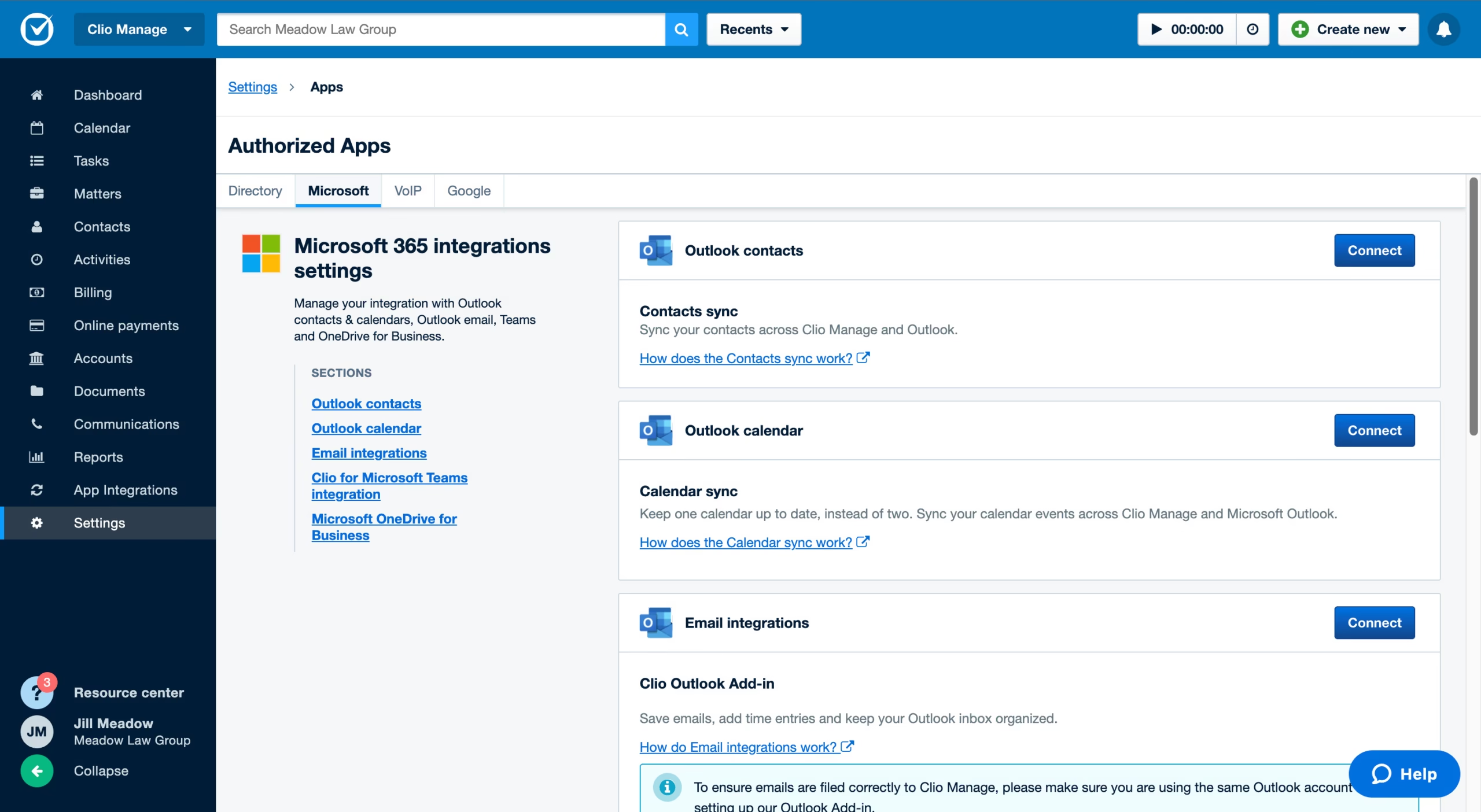
  • Go to Settings: Navigate to the "Integrations" section within your Income Mavericks dashboard.
  • Click Connect: Locate the Clio icon and click the "Connect" button.
  • Authorize: Sign in to your Clio account and grant Income Mavericks permission to sync data.
  • Map Fields: Configure how your lead data (Name, Email, Phone, etc.) should appear in your Clio contacts and save your settings.
Quick Setup Detailed Link
©2026 Techanisms. All rights reserved.

Test Popup