Sync Your Sales Pipeline with Your Project Management
Connect ClickUp to Income Mavericks to automatically turn won deals into actionable tasks, ensuring your team never misses a beat during client fulfillment.
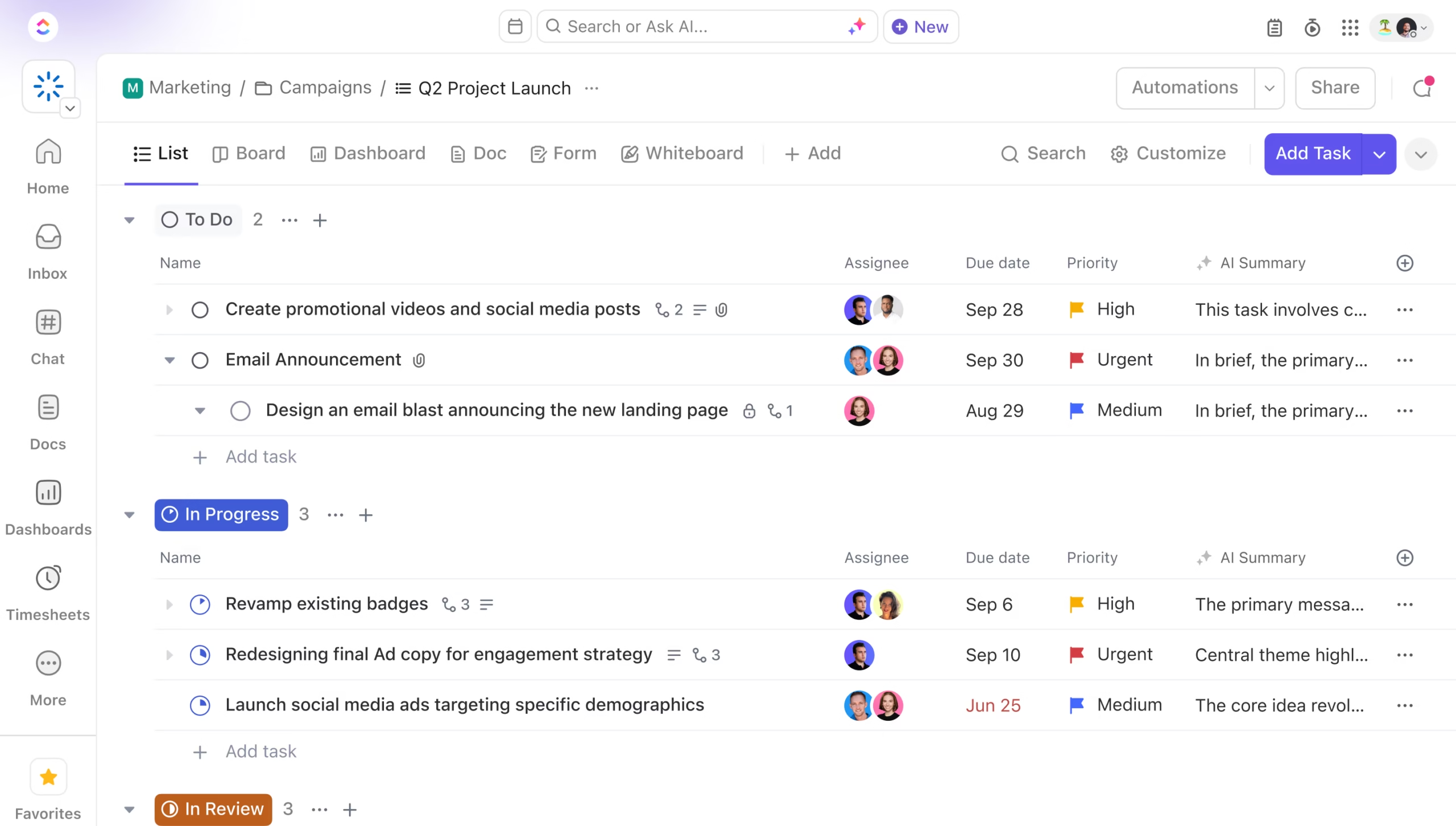
The ClickUp integration for Income Mavericks bridges the gap between your marketing front-end and your operational back-end.
It solves the problem of manual task creation by automatically triggering new folders, lists, or tasks in ClickUp the moment a lead takes a specific action or moves to a new stage in your CRM.
Connect your favorite tools with Income Mavericks.
Income Mavericks features native integrations with your most-used tools, including Slack, Google Calendar, Gmail, Facebook and more...
Stop Managing Tasks, Start Managing Growth
Don't let manual project setup slow down your delivery. Connect ClickUp to Income Mavericks today and automate your path from "Closed-Won" to "Project-Complete."