Automate Your Revenue from Checkout to CRM

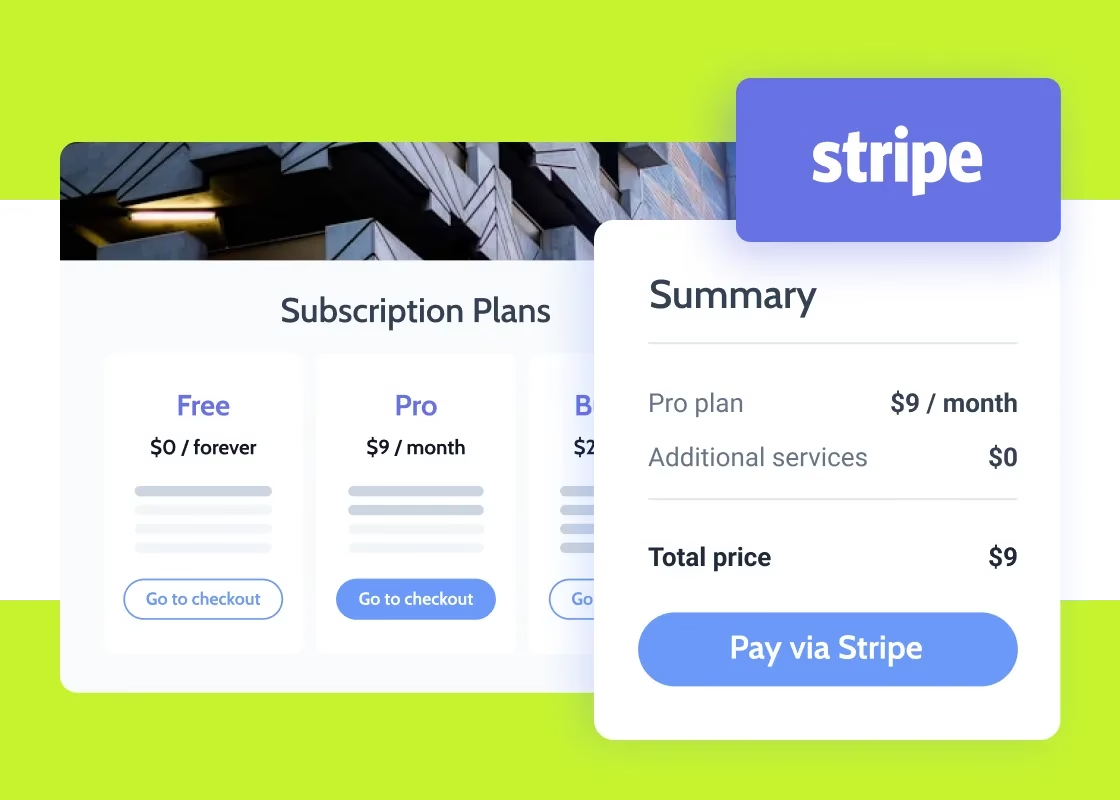
Connect Stripe to Income Mavericks to seamlessly collect payments, manage subscriptions, and trigger post-purchase automations without manual data entry.

What is Stripe?

The Stripe integration for Income Mavericks connects your payment processing directly to your marketing and sales funnel.

It solves the fragmentation between finance and operations by automatically syncing transaction data, allowing you to track customer lifetime value and trigger immediate fulfillment workflows the moment a payment is confirmed.

Why You’ll Love This Integration

Seamless Payment Collection

Embed secure Stripe checkouts directly into your funnels and websites to convert leads into customers instantly.

Automated Fulfillment

Trigger onboarding emails, course access, or service notifications the second a successful payment is processed.

One-Click Subscriptions

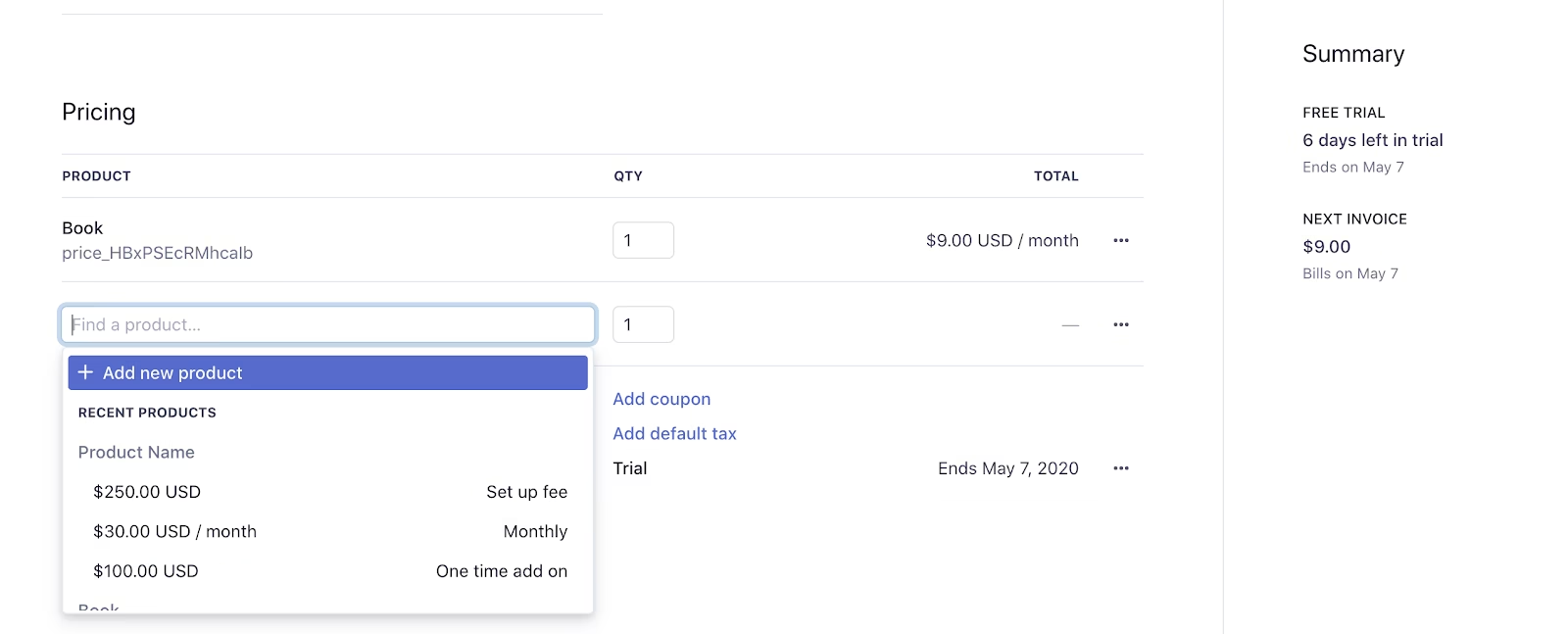
Manage recurring revenue and subscription plans with ease, ensuring your CRM records always reflect a customer's current billing status.

Connect your favorite
tools with Income Mavericks.

Income Mavericks features native integrations with your most-used tools, including Slack, Google Calendar, Gmail, Facebook and more...

Scale Your Revenue with Confidence

Stop manually chasing invoices and updating spreadsheets. Connect Stripe to Income Mavericks today and build a frictionless payment experience for your customers.


Already a client?

  • Go to Settings: Open the "Integrations" tab within your Income Mavericks dashboard.
  • Click Connect: Find the Stripe icon and click the "Connect" button.
  • Authorize: Log in to your Stripe account and authorize the secure connection to Income Mavericks.
  • Enable Payments: Select your preferred currency and default payment settings to start collecting revenue.
Quick Setup Detailed Link Stripe Integration For Calendars
©2026 Techanisms. All rights reserved.

Test Popup