Turn Real-Time Lead Alerts Into Faster Team Wins

Connect Microsoft Teams to Income Mavericks to centralize your communication, automate meeting links, and ensure your team never misses a high-priority lead notification.

What is Microsoft Teams?

The Microsoft Teams integration for Income Mavericks bridges the gap between your marketing engine and your internal collaboration hub.

It solves the problem of delayed follow-ups by sending instant notifications of CRM activity directly to your channels and automatically generating video conference links for every new appointment booked.

Why You’ll Love This Integration

Instant Channel Alerts

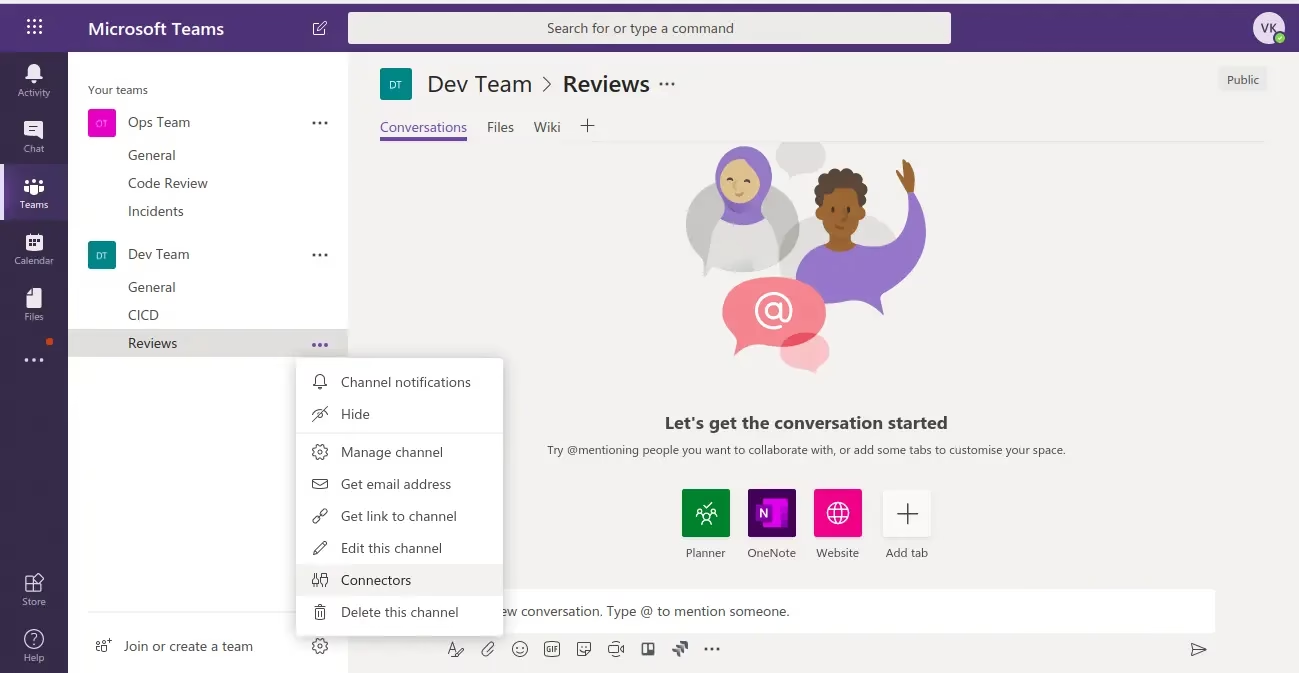
Receive real-time notifications in Teams for new leads, form submissions, or deal updates so your team can respond in seconds.

Automatic Meeting Links

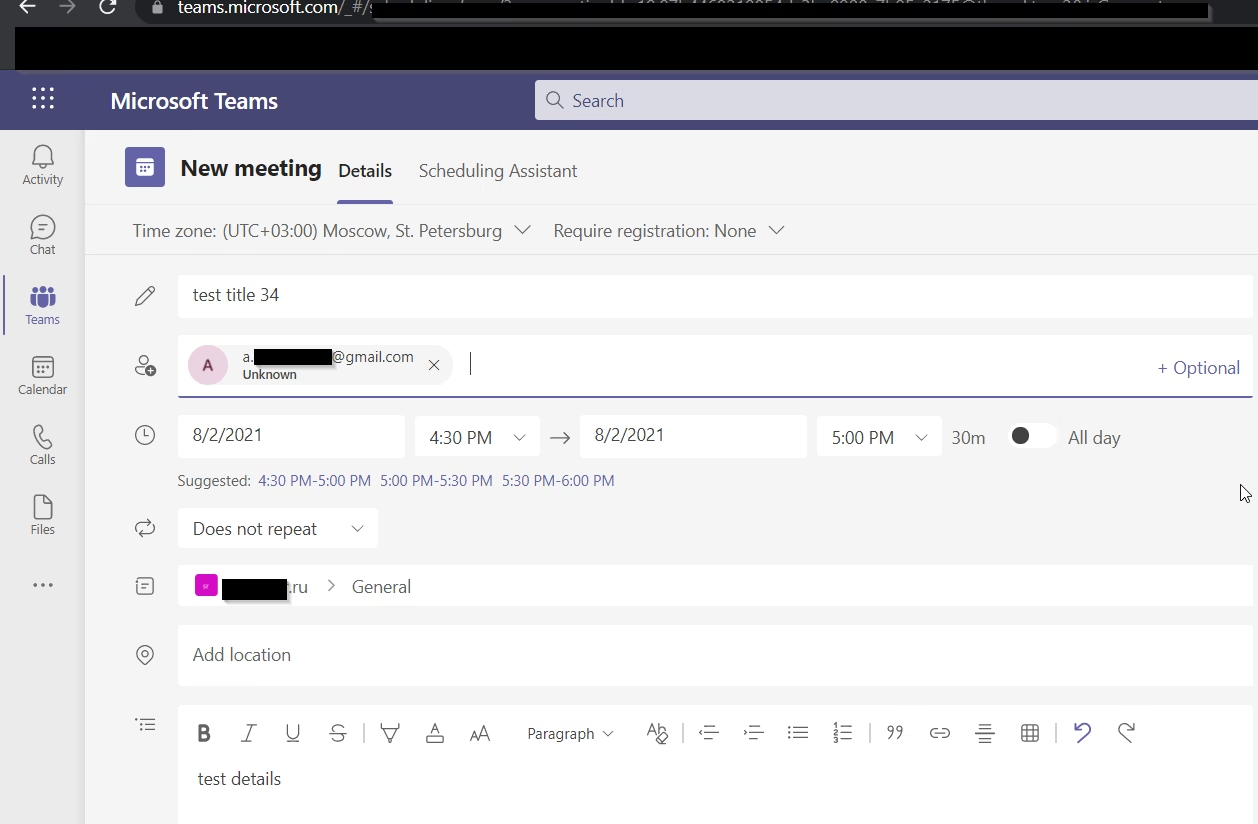
Instantly generate and attach Microsoft Teams meeting links to your Income Mavericks calendar appointments.

Unified Collaboration

Streamline internal communication by keeping your sales activity visible where your team already works every day.

Connect your favorite
tools with Income Mavericks.

Income Mavericks features native integrations with your most-used tools, including Slack, Google Calendar, Gmail, Facebook and more...

Bring Your Team and Your Leads Together

Stop losing momentum in the gap between apps. Connect Microsoft Teams to Income Mavericks today and create a high-velocity environment for your sales and fulfillment teams.

Already a client?

  • Go to Settings: Navigate to the "Integrations" tab within your Income Mavericks dashboard.
  • Click Connect: Locate the Microsoft icon and select the "Connect" button.
  • Authorize: Log in to your Microsoft 365 account and grant the necessary permissions for Teams and Calendar access.
  • Configure Notifications: Select which Teams channels should receive specific CRM alerts and save your settings.
Quick Setup Detailed Link Calendar Integration with Microsoft Teams
©2026 Techanisms. All rights reserved.
Test Popup