Centralize Professional Outreach and Automate B2B Lead Nurturing

Connect LinkedIn to track communication history, capture new contacts directly from sponsored forms, and manage professional relationships without ever leaving Income Mavericks.

What is LinkedIn?

The Income Mavericks LinkedIn integration allows you to sync professional interactions, including messages and lead data from LinkedIn Lead Generation Forms, directly into your CRM. This connection ensures every prospect contacted and every lead captured on LinkedIn is instantly available for follow-up and automation within Income Mavericks.

It solves the efficiency problem of managing B2B leads across separate, disconnected platforms.

Why You’ll Love This Integration

Instant Lead Form Sync

Automatically pull data from your LinkedIn Lead Generation Forms (Ad Campaigns) into Income Mavericks as new contact records. Eliminate manual exports and ensure zero-delay follow-up when prospects are most interested.

Unified Relationship Tracking

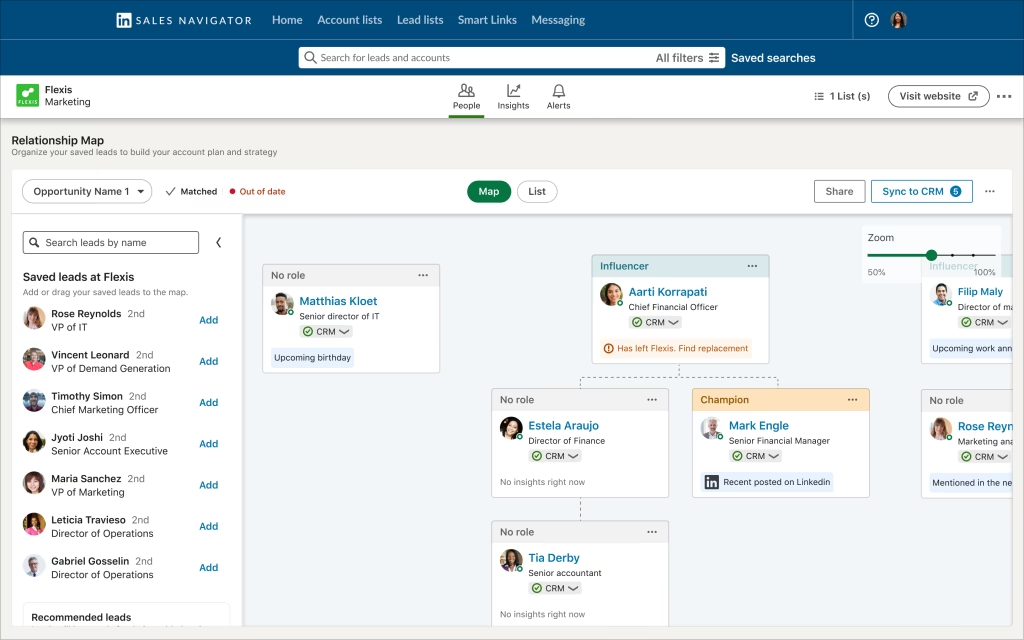
Track communication history from LinkedIn within the contact record in Income Mavericks. Get a complete, chronological view of every professional interaction across all channels before making the next move.

Smarter Nurturing

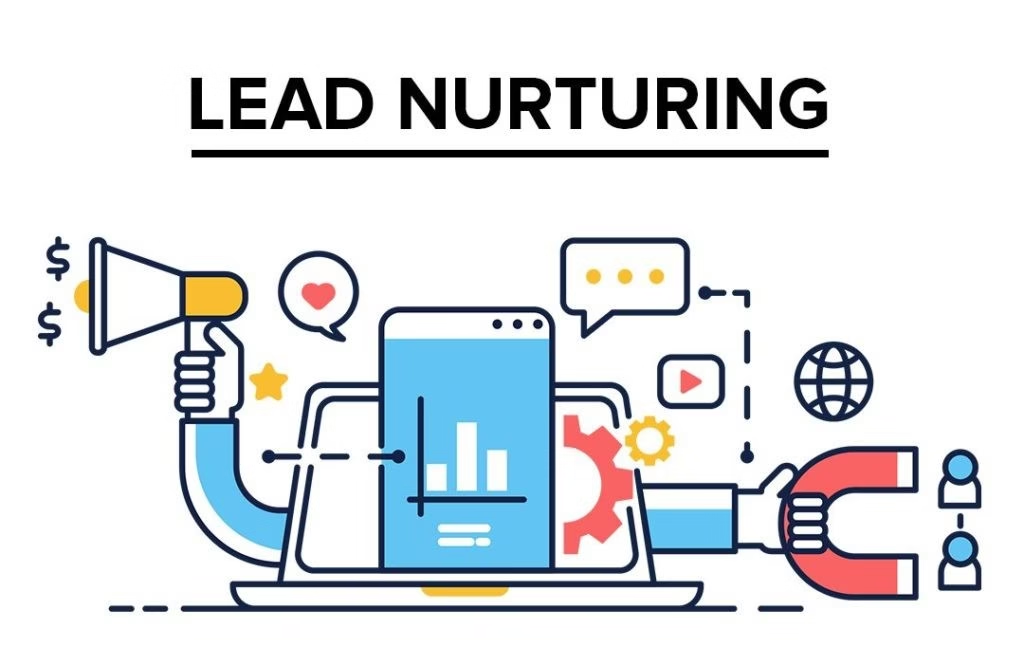
Use LinkedIn engagement data to trigger targeted automation sequences. Move qualified leads seamlessly from social engagement into high-value sales workflows and track ROI accurately.

Connect your favorite
tools with Income Mavericks.

Income Mavericks features native integrations with your most-used tools, including Slack, Google Calendar, Gmail, Facebook and more...

Convert Your Connections Faster.

Stop treating LinkedIn as a silo. Integrate your professional network activity with Income Mavericks to build a seamless B2B automation machine that scales your outreach and saves you countless hours.

Already a client?

  • Go to Settings and select Integrations in your Income Mavericks dashboard.
  • Click Connect on the LinkedIn integration card.
  • Log in to your LinkedIn account and Authorize the necessary permissions for lead retrieval and data sync.
  • Select the associated Ad Accounts and Lead Forms you want to connect to your CRM.
Quick Setup Detailed Link
©2026 Techanisms. All rights reserved.

Test Popup