Turn Every Meeting Into a Seamless Client Experience

Automatically generate Google Meet links for every appointment booked through Income Mavericks, ensuring you never have to scramble for a video link again.

What is Google Meet?

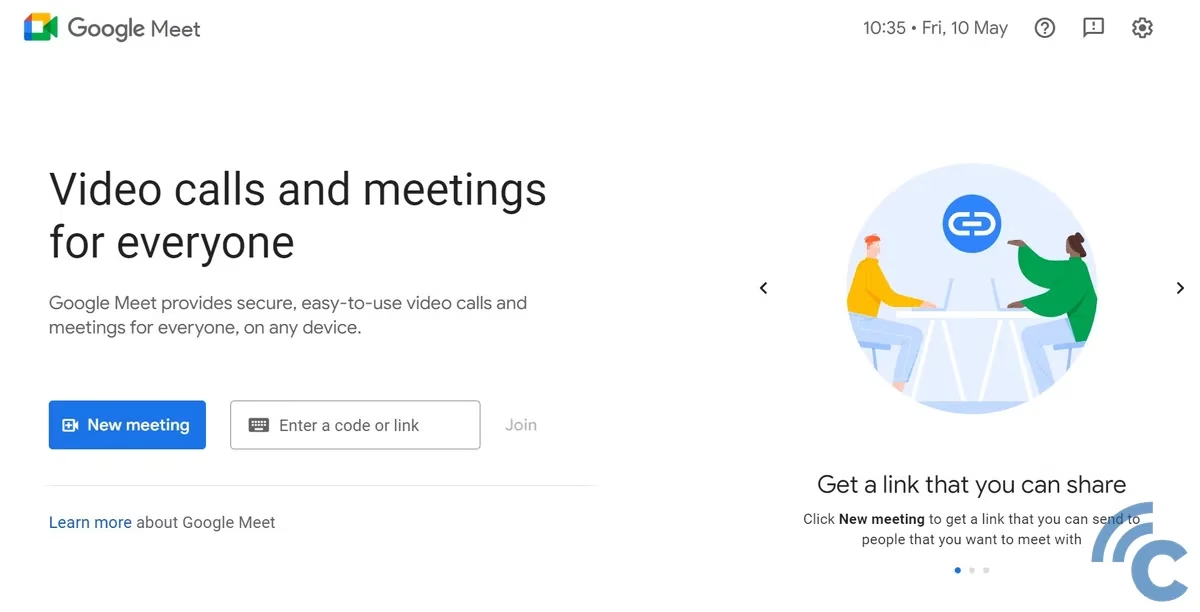
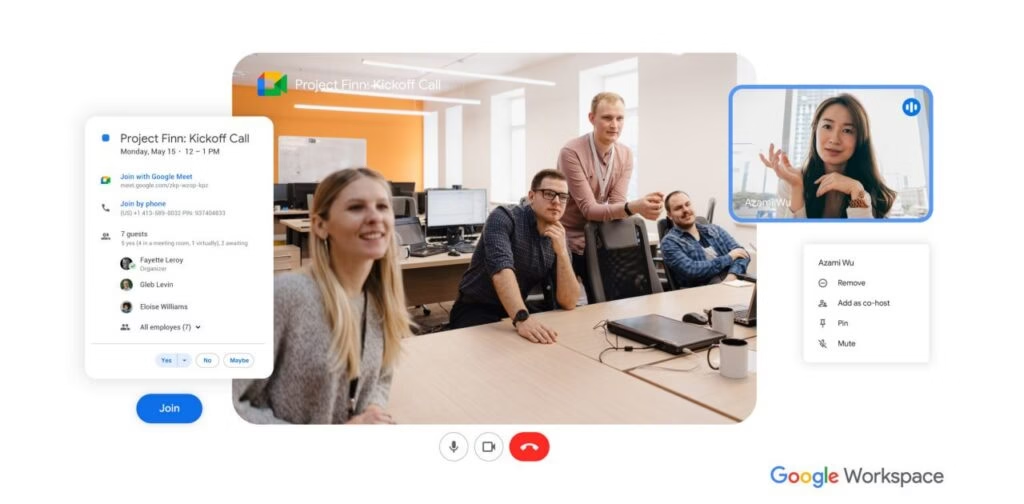
The Google Meet integration for Income Mavericks connects your video conferencing directly to your scheduling calendar.

It solves the friction of manual link creation by automatically generating and sending secure meeting invites to your leads and clients the moment they book a time with you.

Why You’ll Love This Integration

Automatic Link Generation

Instantly create unique Google Meet links for every new appointment without leaving your dashboard.

Synchronized Communication

Automatically include meeting details in confirmation emails and SMS reminders to reduce no-shows.

Calendar Harmony

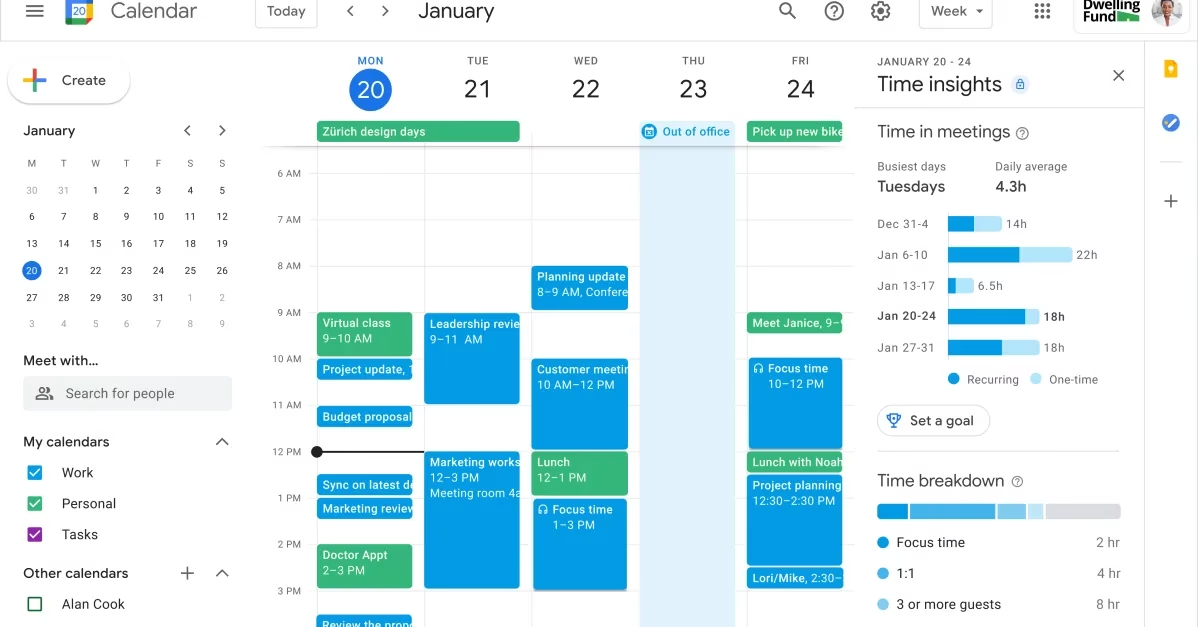
Ensure all your video calls are perfectly synced with your Google Calendar and Income Mavericks schedule.

Connect your favorite
tools with Income Mavericks.

Income Mavericks features native integrations with your most-used tools, including Slack, Google Calendar, Gmail, Facebook and more...

Simplify Your Scheduling Workflow

Stop wasting time copying and pasting links. Connect Google Meet to Income Mavericks today and make your professional video meetings effortless for both you and your clients.

Already a client?

  • Go to Settings and select the Integrations tab in your Income Mavericks dashboard.
  • Click Connect: Locate the Google integration and click "Connect" to link your Google account.
  • Authorize: Grant permission for Income Mavericks to access your Google Calendar and Meet settings.
  • Enable for Calendars: Go to your specific Calendar settings and select "Google Meet" as the default meeting location.
Quick Setup Detailed Link Calendar Integration Area
©2026 Techanisms. All rights reserved.

Test Popup