Keep your network in sync without the manual data entry

Seamlessly connect your Google Contacts with Income Mavericks to ensure your database is always up to date. Keep your communication fluid and your lead management effortless across all your devices.

What is Google Contacts?

Google Contacts for Income Mavericks is a powerful two-way sync that bridges your personal or business address book with your CRM.

It solves the problem of fragmented data by ensuring that when you add a contact on your phone or in Gmail, they are instantly available for your automated marketing workflows.

Why You’ll Love This Integration

Bidirectional Sync

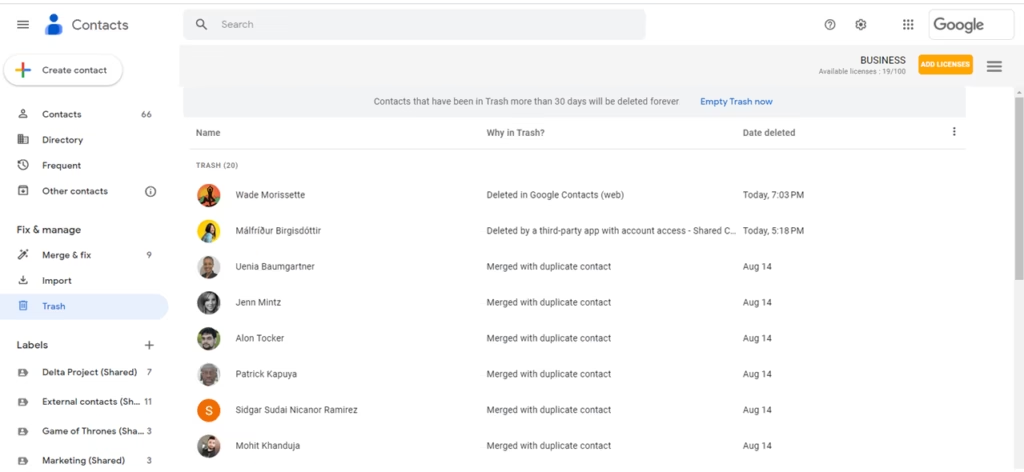
Automatically update contact details in both Google and Income Mavericks, ensuring you never work with outdated information.

Unified Communication

Access your CRM data directly from your mobile device's native contact list for quick calls and messages.

Automatic Organization

Map specific Google Contact labels to Maverick tags to trigger automated nurturing sequences the moment a contact is saved.

Connect your favorite
tools with Income Mavericks.

Income Mavericks features native integrations with your most-used tools, including Slack, Google Calendar, Gmail, Facebook and more...

Ready to unify your contact list?

Stop chasing data and start building relationships. Connect your Google Contacts today.

Already a client?

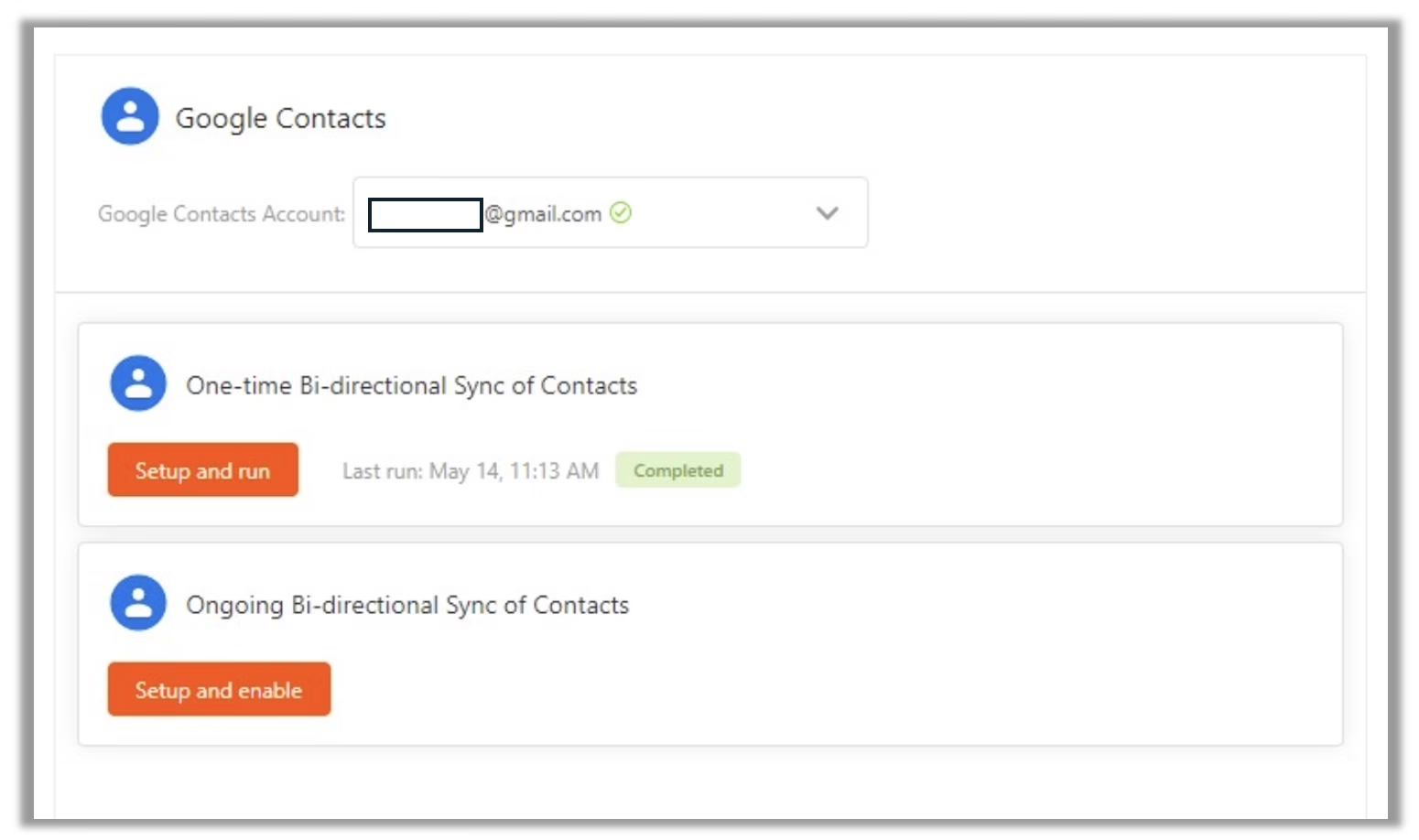
  • Go to Settings: Navigate to the "Integrations" tab within your Income Mavericks dashboard.
  • Click Connect: Find the Google icon and select the "Connect" button.
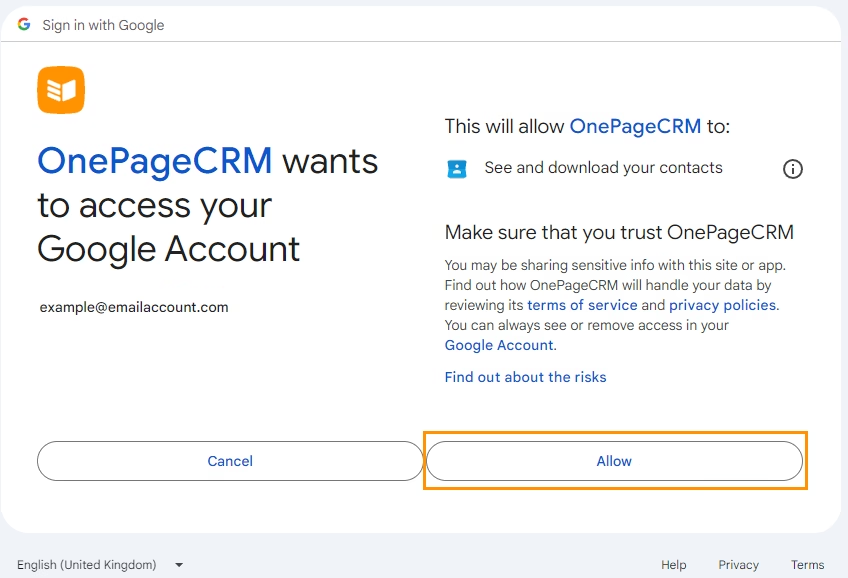
  • Authorize: Sign in to your Google account and grant permissions for contact access.
  • Configure Sync: Choose between a one-way or two-way sync and select which contact groups to include.
Quick Setup Detailed Link
©2026 Techanisms. All rights reserved.

Test Popup